> For the complete documentation index, see [llms.txt](https://malbersanimations.gitbook.io/animal-controller/llms.txt). Markdown versions of documentation pages are available by appending `.md` to page URLs; this page is available as [Markdown](https://malbersanimations.gitbook.io/animal-controller/main-components/mode-aligner2.md).
# Mode Aligner2
***
## Overview
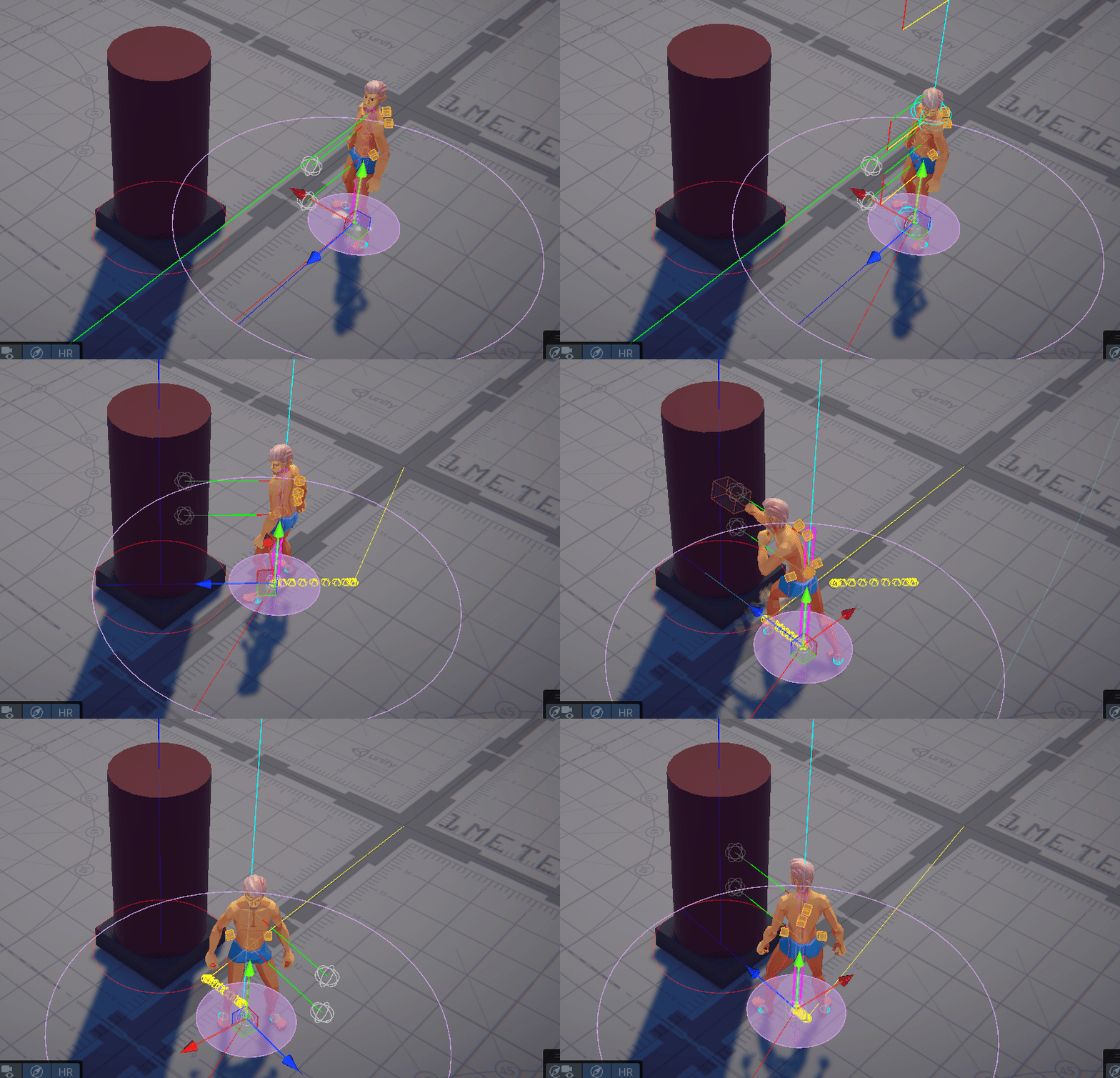
Mode Aligner is used to align the character to a target while executing a mode. Usually, to make the Attack animation to Look At the target is going to attack.
{% hint style="danger" %}
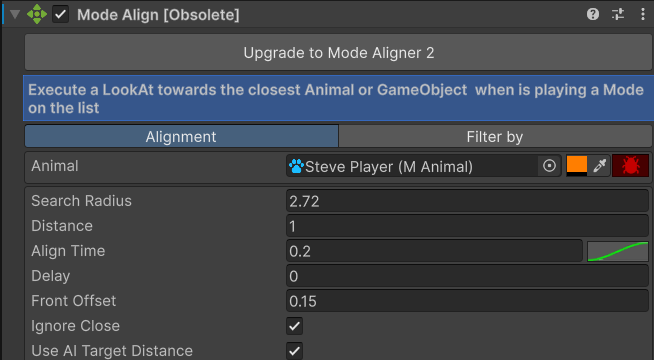
If you are using the old version Mode Align, please upgrade to the new **Mode Aligner 2**
{% endhint %}
***
## How it works
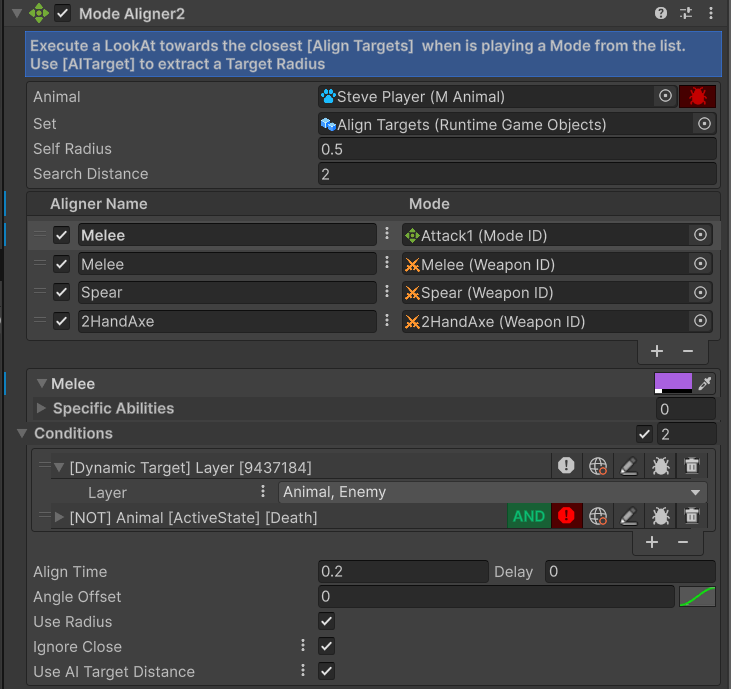
This component subscribes to the **MAnimal** component's \[OnMode Start] event, and listens every time a mode is played. Then it searches the "Align Targets" **Runtime Object Set** for possible near targets, using the *Search distance*. If one of the **aligners** on the list uses the **mode** that the **animal** is playing and it fulfills all the conditions, then the character will be aligned towards the target found.
***
## Requirements
* An **Animal Controller** component. It does not have to be in the same gameobject as the Animal script. I recommend setting this component in a Child GameObject.
* Requires a **RuntimeGameObject** set that will be used for storing all the possible alignment targets.
* The possible targets need to be on the set. This is achieved by adding the **AddRuntimeSet** component to the targets.
* Possible targets should also have an **AITarget** component. This will be used to extract the **target's radius** to achieve a better alignment.
***
## Parameters
### General
#### Animal
Reference for the Owner of the Mode aligner
#### Set
Current aligner targets. ⚠️Possible aligner targets must have the **AddRuntimeObject** component.
#### Self Radius
Radius of the owner to reposition when Use Radius is active. This radius prevents the animal from getting inside another target.
#### Search Distance
Distance to compare which is the closest possible target to align. If none of the targets are within this radius, then the Alignment will be ignored
***
### Aligner Data
Every aligner data is a set you can do for each mode and/or abilities
#### Active
Enable or disable the Aligner Set. Disabled aligners will be ignored
#### Name
Name or description for the Aligner Set
#### Mode
Mode that the Aligner will listen to
#### Specific Abilities
What abilities to include or exclude? If the list is left empty, then the aligner will be active when the mode plays
#### Include/Exclude
Include or exclude toggle for the ability list
#### Conditions
Extra conditions to check to activate the aligner
#### Align Time
How long will the alignment last
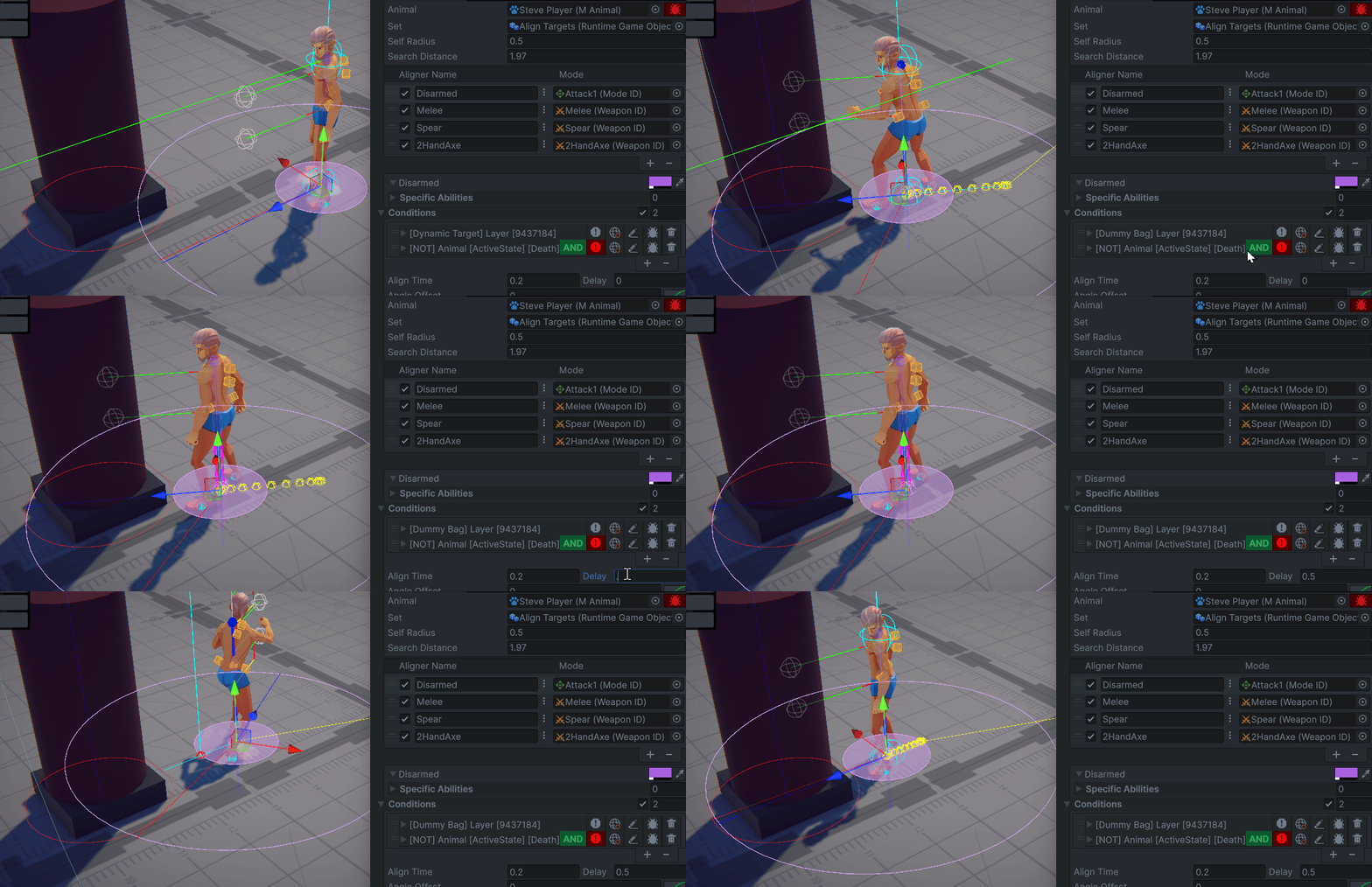
#### Delay
Delay value to wait to activate the alignment. Use it for abilities that have anticipation.
#### Angle Offset
Offset rotation to apply to the alignment. Use the Offset for abilities that need the character to be in a certain angle. E.g. a execution from the back requires the character to turn 180 degree.
#### Align Curve
Curve value to apply to the alignment
#### Use Radius
When true, the aligner will move the animal closer to the target. Using the **AI Target Radius** values to position correctly, or the **SelfRadius** if there's no **AI Target** found.
#### Ignore Close
It will not move the character backwards if it is too close to the target.