> For the complete documentation index, see [llms.txt](https://malbersanimations.gitbook.io/animal-controller/llms.txt). Markdown versions of documentation pages are available by appending `.md` to page URLs; this page is available as [Markdown](https://malbersanimations.gitbook.io/animal-controller/quickstart/tips-and-tricks.md).
# Tips and Tricks
Here are some tips I often use with AC and HAP
## Debug Mode
Mostly everything in AC and HAP is debuggable.
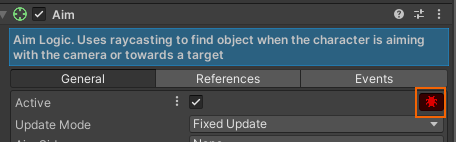
When something is not working as expected, check the Debug icon on the component:
With it you will get some Inspector and Console information that will help you track down the problem.
## Use Unity Events
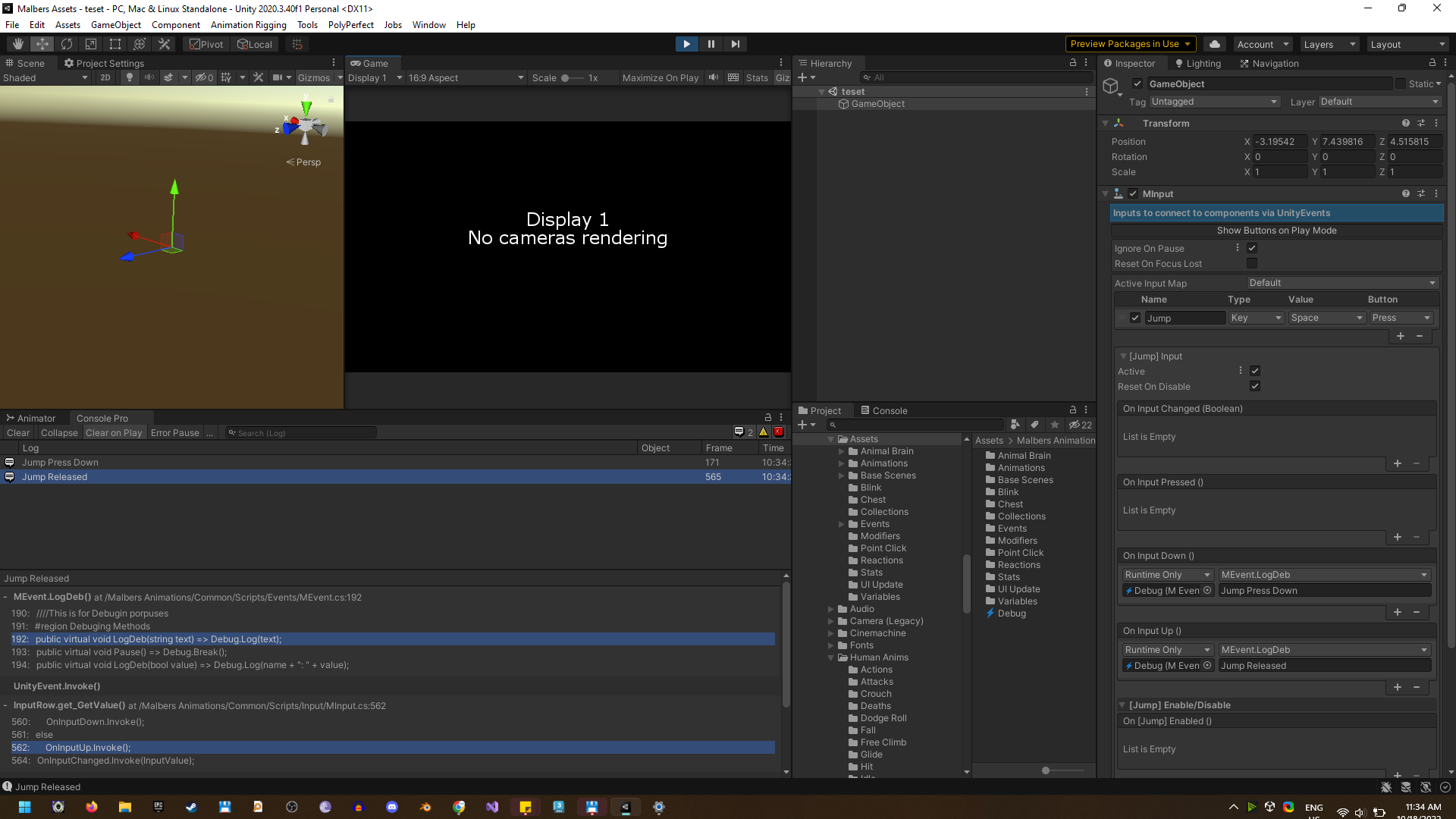
Unity Events on the scripts are very helpful. You can subscribe to them to see if they are sending the values.
I use it very often with Malbers Input and MInput Component, to check if the Inputs are being sent.
{% hint style="success" %}
Use the Scriptable Object (**Debug**) to send console messages on any Unity Event
{% endhint %}